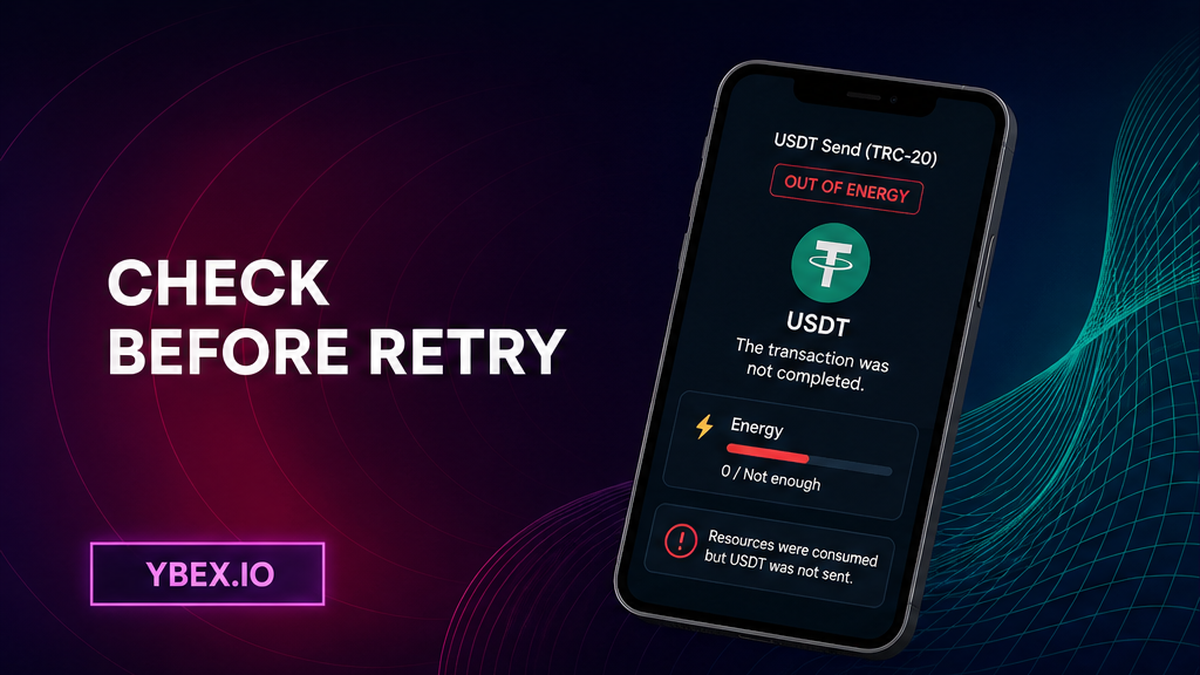

Your USDT TRC-20 send failed with “OUT OF ENERGY,” but the wallet still charged a fee. Stop before pressing Send again. Find the TxID, read its final result and resource use on TRONSCAN, refresh the wallet’s current fee estimate, then verify that the YBEX order is still active. You will make one replacement transaction, prove that its token transfer succeeded, and know exactly what to send support if the deposit is not credited.
Summary: A failed USDT TRC-20 transaction did not complete the token transfer, although it may have consumed Energy and TRX. Diagnose the existing TxID first, prepare resources from a fresh wallet estimate, and send only once to the deposit address of an active YBEX order. Treat the new transaction as a deposit only after TRONSCAN shows a successful token transfer.
TRC-20 means a token that runs on the TRON network. Sending USDT this way is a smart-contract call: instead of moving only TRX, the network has to run a small program that updates the USDT balances. TRON calls the computing resource for that work Energy. If the available budget runs out before the program finishes, the transaction receipt can show “FAILED – OUT OF ENERGY.”
Stop retrying and classify the send before doing anything else
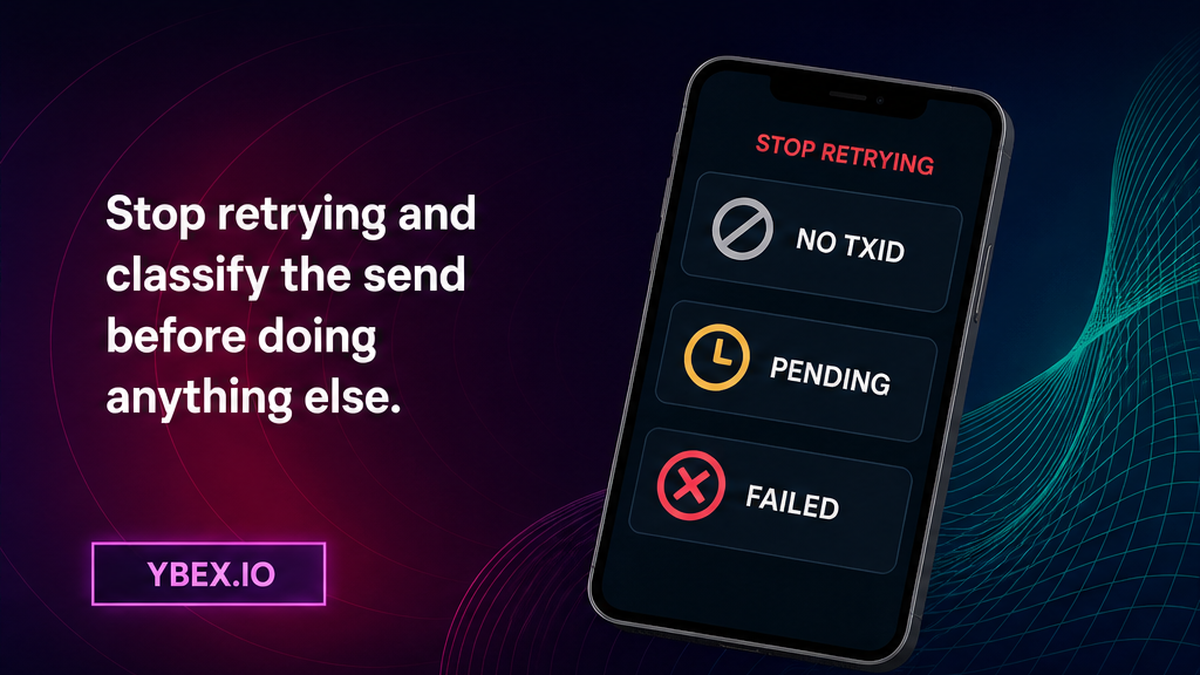
A TxID is the blockchain tracking number for one attempt. Repeated attempts are not harmless tests: a failed on-chain transaction can consume resources while the USDT stays at the sender address. Save the activity screen and copy the full TxID if one exists.
Put the attempt into one of three states. Do not move to a replacement send until the state is clear:
| What you can see | What it means | What to do now |
|---|---|---|
| No TxID | The wallet may have stopped before broadcast, meaning before publication to the network. | Check wallet activity and do not assume that a transfer happened. |
| Pending or unconfirmed | The network has seen it, but the final outcome is unknown. | Wait on the same TxID. Do not create a competing send. |
| FAILED – OUT OF ENERGY | The contract call ended without completing the USDT transfer. | Save the receipt, check its resource fields, and correct the Energy or fee-limit cause before rebuilding. |
With no TxID, check wallet activity and search the sending address on TRONSCAN. A pending TxID needs time, not a competing send. A final failed TxID cannot become a YBEX deposit.
Workflow:
Stop retries → classify no TxID, pending, or failed → read the TRONSCAN receipt → refresh the wallet estimate → verify the active YBEX order → make one replacement send → confirm the USDT token transfer → wait for credit or contact official support
TRONSCAN checklist: read Result, Energy Usage, Bandwidth, and fees
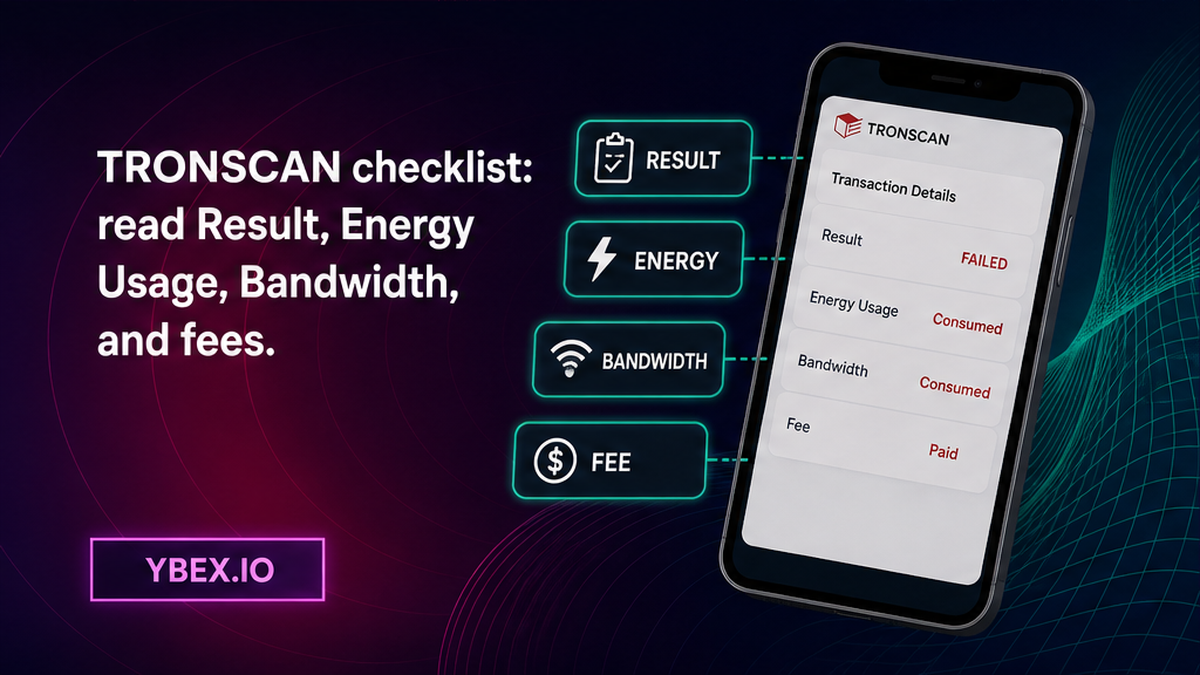
Paste the TxID into TRONSCAN without connecting a wallet. Start with the final Result: finding a hash proves that a record exists, not that the contract call succeeded. For a failed receipt, confirm that no successful USDT transfer reached the YBEX deposit address.
Separate Energy from Bandwidth
Bandwidth pays for data size, like postage for an envelope. Energy pays for computing work inside it. Record Result, Energy Usage, fee, and Bandwidth. They explain the old attempt, not the cost of the next one.
Check both possible causes
TRONSCAN identifies two main causes: insufficient available Energy or a transaction fee_limit that was too low. The fee limit is a spending ceiling written into the transaction. Even an account holding TRX can fail if that ceiling blocks enough work.
Do not edit contract fields unless the wallet explains them. Rebuild the draft and recalculate. The fee-limit documentation covers the ceiling, while the resource model covers Energy, Bandwidth, and TRX.
Use the wallet’s current estimate to prepare enough Energy or TRX
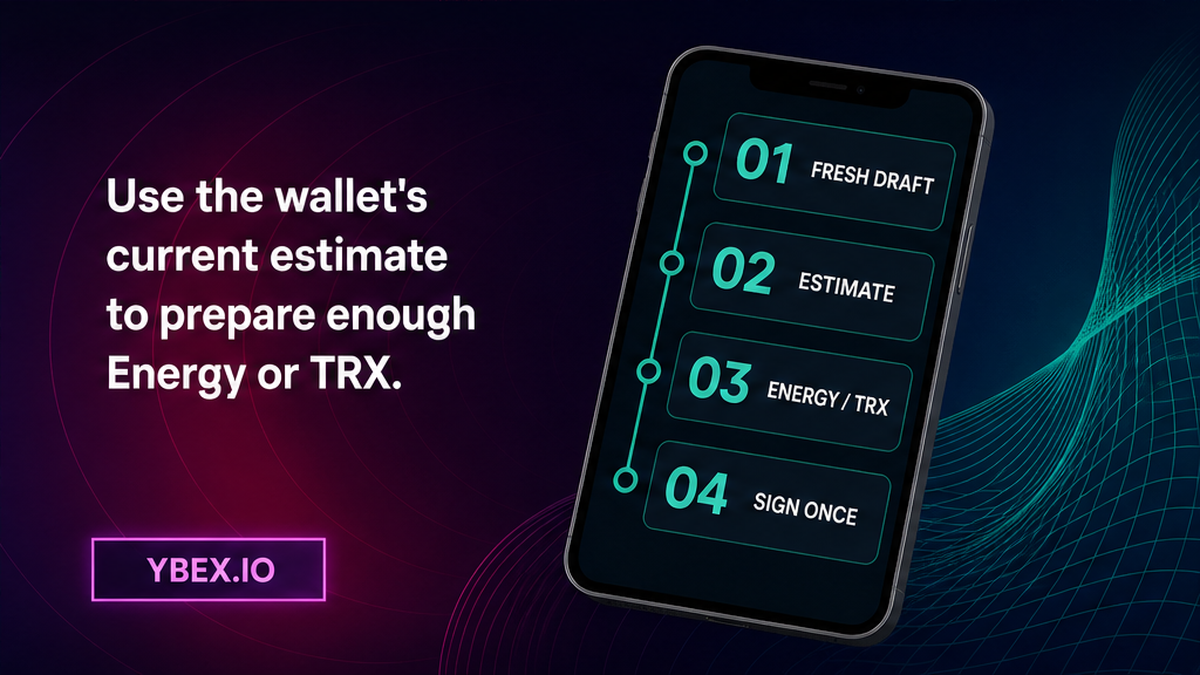
Start a fresh wallet draft without signing it and obtain a new estimate. It is a simulation based on current conditions, not a promise that a later transaction must succeed.
- Select USDT on TRON, often labeled USDT TRC-20.
- Note the wallet’s available Energy and TRX balance.
- Refresh the draft to recalculate the current cost.
- Update the wallet app if its estimate does not refresh.
- Use a resource option supported by your wallet and estimate again.
- Keep the wallet’s suggested margin instead of lowering its fee ceiling.
- Sign only after the estimate, order, token, address, and amount agree.
The network can use available Energy or burn TRX to pay for contract work. Energy may also come from TRX staked or delegated to the account. No single amount fits every USDT transfer, so follow the current wallet estimate, not an old fixed minimum.
Never give a seed phrase, private key, password, or one-time code to anyone offering a fix. Support may need a TxID and public address, but never the keys that authorize spending.
Recheck the active YBEX order before rebuilding the send
Diagnosis can outlast the original exchange application. Open its YBEX page, save the Request Number or Order ID, and refresh the Current Status. Do not use an address from wallet history, a screenshot, or a previous order.
If the application was canceled before any send, create a fresh order through the YBEX exchange widget and copy its details. If funds were sent after expiry, do not compensate with another payment; contact official support with evidence.
Before signing, compare these fields side by side:
- the order is active and its Request Number is saved;
- the deposit asset is USDT and the network is TRON or TRC-20;
- the full deposit address matches the current order;
- the amount matches the current order instructions;
- the wallet shows a newly calculated resource estimate.
Fixing Energy does not correct an old address or wrong network. Compare the order again even when you are sure you copied it earlier.
Sign one replacement transaction and prove that it succeeded on-chain
The replacement is a new transaction with a new TxID. Keep the failed hash only as diagnostic evidence. Sign once after every pre-send field passes.
- Copy the current USDT TRC-20 deposit address directly from the active YBEX order.
- Paste it into the wallet and compare the beginning and end, then scan the middle for changes.
- Enter the order amount and request one final wallet estimate.
- Confirm that the wallet has the resources it says the contract call needs.
- Sign and broadcast one replacement transaction.
- Copy the new TxID immediately and open that exact record on TRONSCAN.
- Wait for a final Success result, then verify the USDT token transfer, sender, destination, and amount.
Match the receipt’s sender, current YBEX deposit address, and USDT token row. If the TxID is pending, wait. If it fails, save the receipt and ask official wallet support to investigate its estimate or fee limit.
Match the successful deposit TxID to the YBEX order or contact support
A successful replacement send moves the problem from wallet execution to order matching. Keep the new successful TxID with the YBEX Order ID. The old failed TxID is not the deposit hash and should not be presented as proof that YBEX received USDT.
Wait on a pending replacement. For another failure, return to wallet troubleshooting because YBEX has no deposit to credit. If Success shows a different address or amount, save the page and contact support without assuming recovery.
Use official YBEX support when the successful on-chain deposit matches the active order but is not detected. Include the Order ID, new deposit TxID, USDT TRC-20 network, amount, sender address, deposit address, explorer URL, and a screenshot of the order status. Mention the earlier failed TxID separately so the two attempts cannot be confused.
Never send wallet secrets or remote access, and do not pay again because the order page has not updated. For a successful deposit with a pending order, follow the YBEX order-status checklist with the same Order ID and deposit TxID.
Frequently asked questions
Does a failed TRC-20 transaction still use TRX?
It can. The USDT transfer itself does not complete when execution fails, but the network can still consume Energy and charge TRX for work already attempted. Check the receipt’s fee and resource fields instead of estimating the loss.
Should I retry an “OUT OF ENERGY” transaction immediately?
No. Save the TxID, confirm the final failed result, and refresh the wallet’s resource estimate first. Retry only once after correcting the cause and rechecking an active YBEX order.
Why do I still see my USDT after the transaction failed?
A failed contract call did not complete the token balance update, so the transfer amount remains at the sender address. The fee or consumed resources from the attempt can still be gone.
Can having more TRX still fail to solve the error?
Yes. A transaction can fail when its fee limit is too low even if the account holds TRX. Let the wallet rebuild the transfer and calculate a current estimate rather than changing one number blindly.
How do I know the replacement transaction reached YBEX?
Open the new TxID on TRONSCAN and wait for Success. Then match the USDT token transfer’s sender, destination, and amount to the active YBEX order. The old failed TxID is not deposit proof.
Why is a successful TRON send not credited to my YBEX order?
First compare the successful token transfer with the order’s address, amount, network, and status. If they match, contact official YBEX support with the Order ID, successful TxID, and explorer URL. Do not send a second deposit.
Disclaimer: The material in this article is not financial or investment advice. Everything stated here reflects the author's personal view and should not be treated as a recommendation to trade or invest. We make no warranties regarding the accuracy, reliability or completeness of the information presented. Cryptocurrency markets are highly volatile and can move unpredictably. Before committing any funds, every investor, trader or crypto user should study several independent sources and check the regulations that apply in their own jurisdiction.