
You typed a round number into You send, then withdrew that same figure from an exchange. The deposit arrived short because the withdrawal fee came out of the typed amount. YBEX sees what landed on-chain, not what you typed. To send the exact deposit amount on a crypto swap, create the order, copy that order’s You send figure, set net arrival to match it, and broadcast one transfer.
Summary: Create the YBEX order first, then copy the deposit amount from that order screen, not from the earlier widget estimate. Keep the wallet network fee on top, or on a CEX raise gross until the live Receive line equals the order. Send once. If the explorer shows a shortfall or excess, stop and write official support.
YBEX is an instant crypto exchange. On the YBEX swap widget, set You send / You receive, both networks, the recipient address, Fixed or Floating, accept Terms / AML / Privacy, and tap Exchange. A standard homepage swap does not require an account. Confirm you are not located in, resident in, incorporated in, established in, or acting from the EU/EEA. After Exchange, copy this order’s deposit address and You send figure. Do not reuse a draft, a screenshot, or a rounded number.
How to copy the live order amount, not the widget estimate
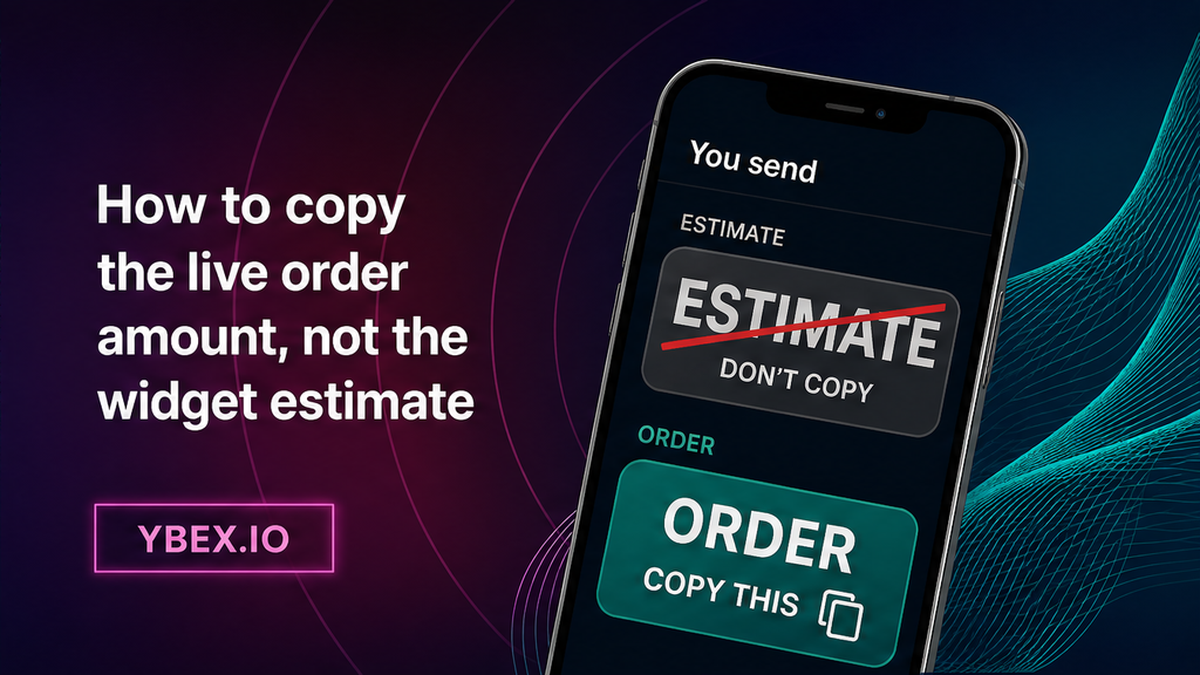
Think of the widget as a shop-window price. The order screen is the receipt. You pay the receipt. Public Terms state that rates may vary in real time, so a You send typed before Exchange is not a locked deposit instruction.
Copy the unique deposit address and the exact You send / deposit amount together. Do not round. Save the Order ID before you open the wallet. API users see the same idea as claimedDepositAmount: the deposit the user commits to send. On the widget that is You send for this order. See Orders API v2 if you create orders in software. Do not substitute a round figure for the committed number.
Do this: Copy You send from the live order after Exchange. Don’t send coins to a widget estimate, an old order, or a rounded amount.
How to separate wallet network fee vs a CEX withdrawal fee
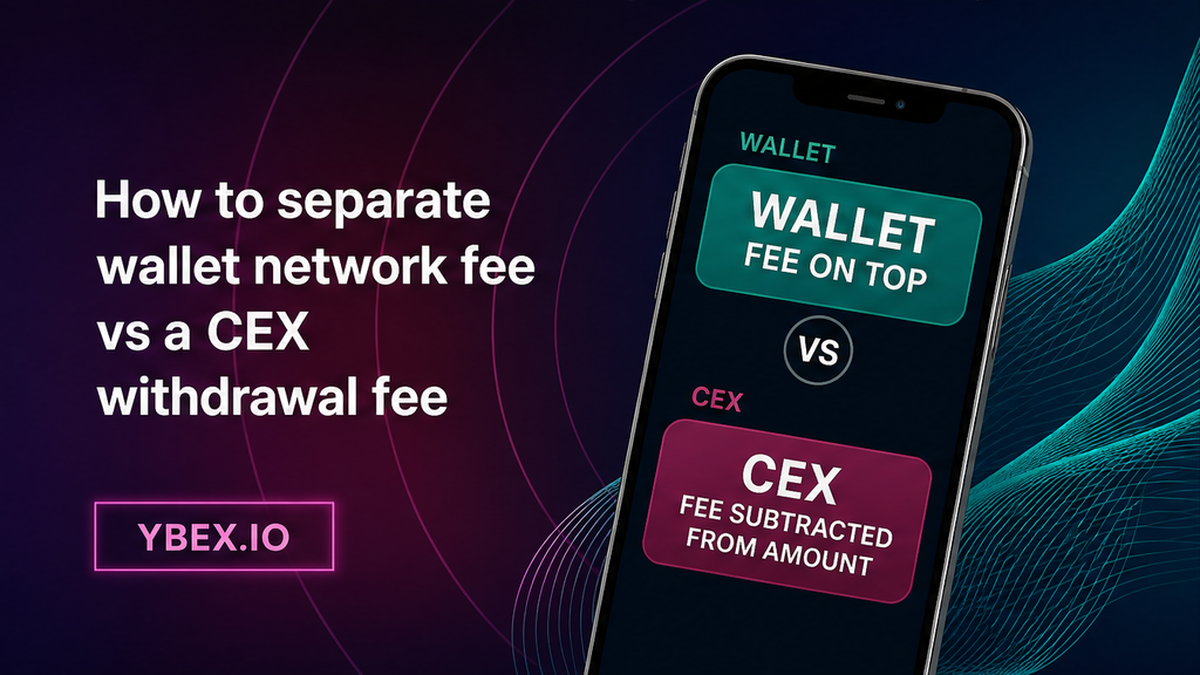
A network fee is the blockchain’s processing charge. A CEX is a centralized exchange that holds coins until you withdraw. YBEX is not a custodian; it sees what arrives on the deposit address, not what you typed in another app.
| Check before you confirm | Self-custody wallet | CEX withdrawal |
|---|---|---|
| What you type | Usually the amount the recipient should get | Often a gross amount the CEX then trims |
| Where the fee comes from | Usually leftover balance if subtract-from-amount is off | Usually deducted from the typed amount |
| What YBEX receives | On-chain arrival, not your typed field | On-chain arrival after the CEX fee |
| Typical miss | Send max or subtract-from-amount cuts the recipient | Typed amount equals the order, Receive line is lower |
| Fix before send | Preview: recipient gets the order amount; fee sits on top | Raise gross until live Receive equals the order amount |
Illustration only, not a live tariff: if a CEX screen shows typed 100, fee 1, Receive 99, YBEX will see 99 if that is what the chain delivers. Read the live Receive line. Native coin (BTC, ETH, TRX, SOL, BNB) pays the fee in the same coin. A token such as USDT needs a separate native gas balance. TRC-20 means a token on Tron; ERC-20 means a token on Ethereum. Match the network pill on the order, not just the ticker.
Do this: Treat wallet fee and CEX withdrawal fee as different knobs. Don’t assume the number you typed is the number that lands.
How to confirm the sender can deliver that exact net amount
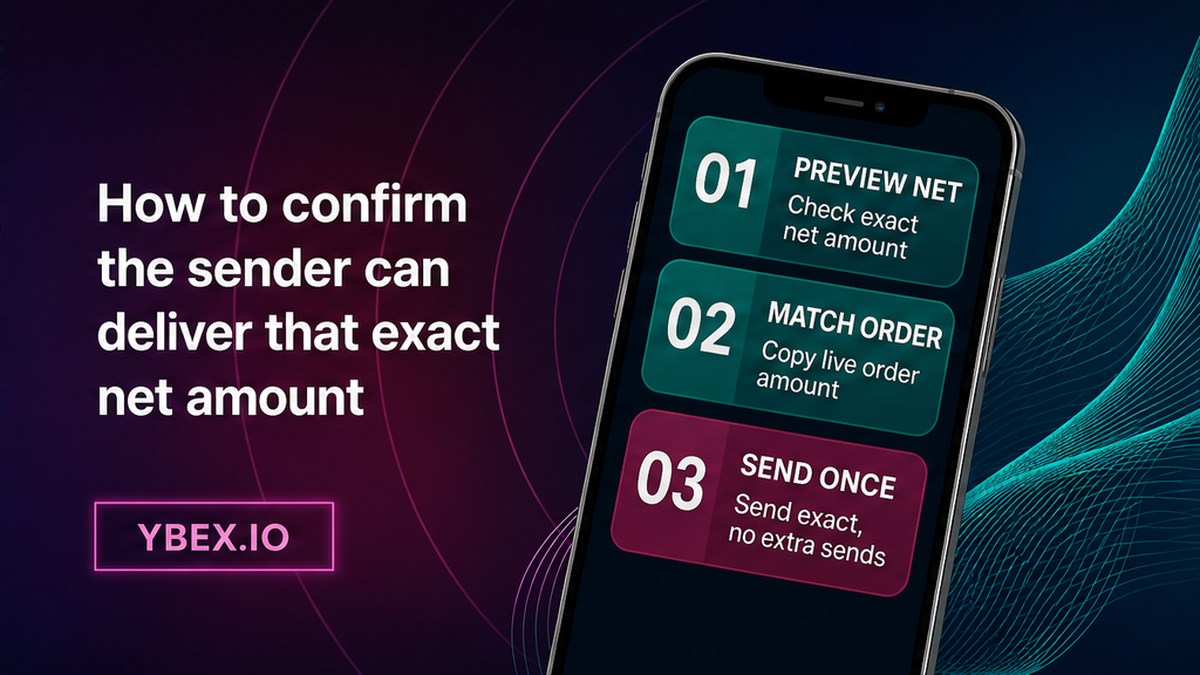
Net amount means what the deposit address actually receives. Preview that number before you broadcast. If it does not match the order, change the send settings. Do not hope the swap will stretch to fit.
Self-custody wallet: keep the fee on top
Put the order amount in the amount field. Check that the fee is paid from remaining balance, not subtracted from the recipient. Subtract-from-amount or Send max can cut what arrives. Confirm only when the preview shows the recipient gets the order amount. For a token send, leave native gas aside.
CEX withdrawal: read the Receive line
Paste the order’s deposit address and the same network. Then read Receive / you will get. Raise the typed gross until that line equals the order’s You send. Fees change; check the current line. If a memo or destination tag appears on the order, copy it from that order. Amount, network, address, and memo must all belong here.
Do this: Make sure the preview says the recipient gets the order amount on the order network. Don’t confirm a send whose Receive line is short, even by a little.
How to send once and avoid topping up a short send
Broadcast one transfer to this order’s deposit address. Save the Order ID and the send-side TxID (the explorer hash). Open the explorer for the network you used and check that the deposit address received the same amount. If it shows less, more, or several TxIDs, stop. Do not send a second “top-up” unless official support tells you to. Public Terms place user errors on the user. YBEX does not publish an automatic underpay-then-recalc rule.
Fixed versus Floating is about the rate, not a free pass on amount. FIXED locks the rate at order creation for the committed deposit. FLOATING may change until completion. If the arrived amount differs, do not assume the quoted receive amount still holds. Full comparison: Fixed vs Floating on a crypto swap. Public Terms describe exchanges as processed within 30 minutes to 72 hours. That range is processing time, not a repair clock. If credit stalls after an exact match, write official YBEX support or [email protected] with Order ID and TxID. Ignore anyone who DMs you first.
Do this: One send, then explorer match, then wait on that order. Don’t add a second payment to fix a shortfall.
Pre-send exact-amount checklist: what to save if credit stalls
Run this list on the current order. Pair guides such as how to exchange USDT to USDC already say to send the exact amount; this is how you hit that number on the first try.
Workflow:
Not EU/EEA → create YBEX order → copy this order’s deposit amount + address → wallet (fee on top) or CEX (gross up to net) → preview recipient gets exact amount → one send → explorer match → wait, or STOP + official support
- Confirm you are not in the EU/EEA. Open the widget, set pair, both networks, destination (and memo/tag if shown), Fixed or Floating, accept Terms / AML / Privacy, tap Exchange.
- Copy the deposit address and the exact You send / deposit amount from this created order. Do not round.
- Choose the send path: self-custody wallet or CEX withdrawal. They use different fee models.
- Wallet path: enter the order amount. Keep the fee on top. Leave native gas for a token send. Check that the preview recipient amount equals the order.
- CEX path: paste address and network. Read the live Receive line. Raise gross until net equals the order amount.
- Send one transfer. Save Order ID and send-side TxID.
- On the send-network explorer, check that the deposit address received the same amount.
- If explorer shows a shortfall, excess, or extra TxID: stop. Collect Order ID, TxID, network, typed versus arrived amounts. Write only official support. Do not reuse an old deposit address.
If this is a new route or a large later send, run a separate small test on the same pair, networks, address, and memo. Use the test swap before a large crypto transfer checklist. When this amount checklist matches, send from the path you already previewed. Create the order on the YBEX widget and read the YBEX Terms of Use before you broadcast.
Do this: Save Order ID, TxID, network, typed amount, and arrived amount before you ask for help. Don’t share a seed phrase.
Frequently asked questions
What if I send a bit less than the order?
Do not assume the Fixed receive amount still applies. Check the explorer, save Order ID plus TxID, and write official support. Do not send a second amount unless they instruct you. Terms allow a return to the sender address without an extra platform fee; that is not a promise every underpay is returned.
Does a CEX withdrawal fee reduce what YBEX receives?
Yes. The swap sees on-chain arrival. If the CEX deducted the fee from your typed amount, the deposit is short. Read the Receive line and raise the gross until net equals the order.
Should I send a second transfer to fix an underpay?
No, unless official support explicitly says to. A repeat send is a new transaction. Collect Order ID and TxID and wait for official instructions.
Does Fixed still apply if the amount differs?
FIXED locks the rate at create for the committed deposit. There is no public YBEX rule that a different arrived amount keeps the same payout. Write support with the hashes instead of guessing.
The wallet showed the order amount. Why did less arrive?
Check subtract-from-amount, Send max, and native-fee-from-the-same-coin. For tokens, native gas (ETH, TRX, SOL, BNB) is separate from the USDT amount. Compare the explorer arrival with the order.
Can I send slightly more to be safe?
Do not treat a surplus as a safety buffer. Overpay is also a mismatch. If more already left, stop and write official support. Do not send another transaction to “balance” it.
Do I still need a test swap?
For a new route, yes. Create a small same-route test order and send the exact deposit shown on that test. Wait for destination wallet credit, then create a fresh large order.
Disclaimer: The material in this article is not financial or investment advice. Everything stated here reflects the author's personal view and should not be treated as a recommendation to trade or invest. We make no warranties regarding the accuracy, reliability or completeness of the information presented. Cryptocurrency markets are highly volatile and can move unpredictably. Before committing any funds, every investor, trader or crypto user should study several independent sources and check the regulations that apply in their own jurisdiction.