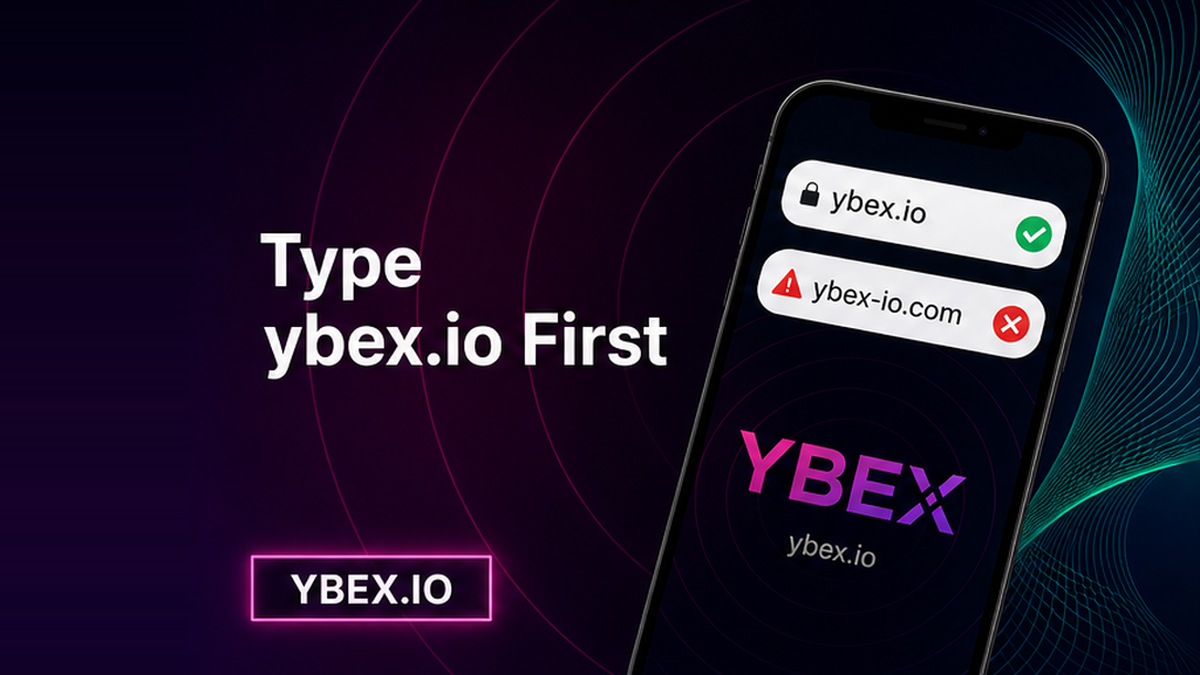

A clone of a crypto exchanger can copy the widget, the orange Exchange button, even a “Listed on BestChange” badge. You click a search ad or a forwarded URL, paste a deposit, and the coins go to someone else. How to verify the official YBEX website: type ybex.io yourself, read the registrable domain in the address bar, then match the live BestChange card. Do this before you create any order.
Summary: Phishing pages impersonate instant exchangers with search ads, typos, and copied widgets. Type ybex.io in a blank tab, confirm the registrable domain is exactly ybex.io, then open the live BestChange listing from the real site. Do not treat an HTTPS padlock as proof of identity. Create an order and send a deposit only after those checks.
The official YBEX instant exchange lives at ybex.io. The header points to a public Telegram channel and a BestChange card. That is not a reason to click a sponsored result or a chat link. The FBI’s Internet Crime Complaint Center has warned that criminals buy search ads impersonating cryptocurrency exchanges. Type the URL yourself.
This checklist is the domain step before you send. Fake Telegram or WhatsApp “support” is a different trap. Malware that swaps a deposit string after you are already on a site is another. Here you answer one question: am I on ybex.io?
How to reach YBEX without ads, DMs, or forwarded links
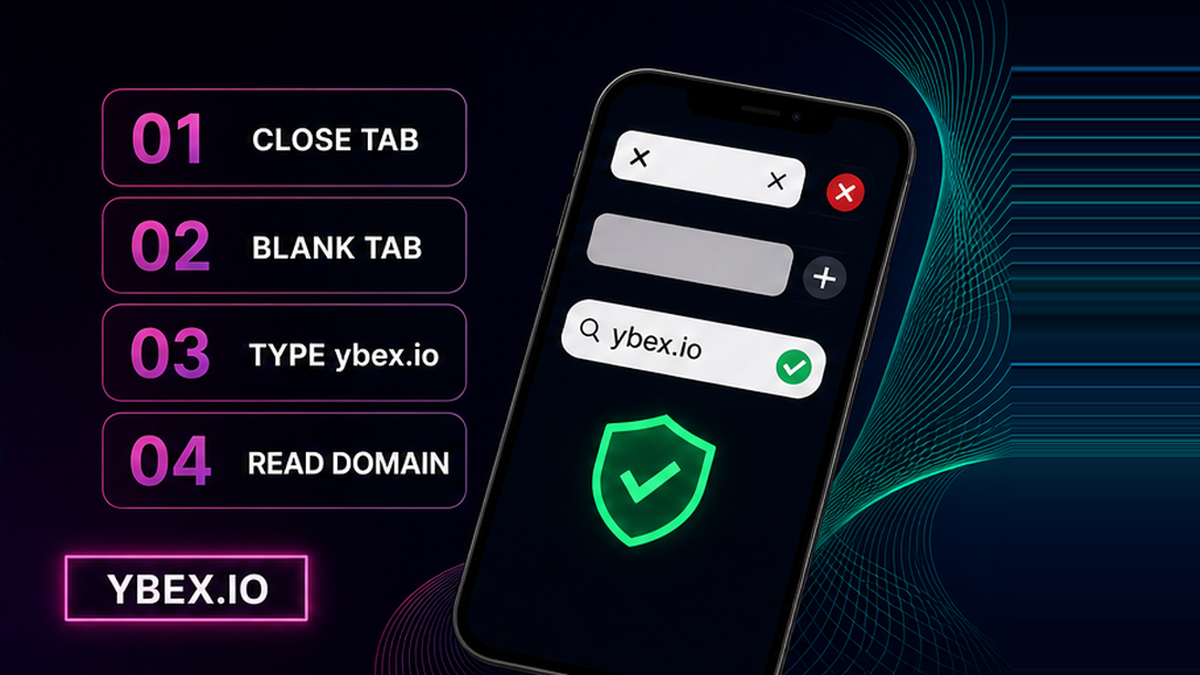
Do start from a blank tab or from a bookmark you made after a previous clean check. Don’t click the first search result, a sponsored tile, a DM, a forum post, or a “support” URL in email. Ads can look like the brand and still send you to another host. A forwarded message can hide one extra letter on a phone screen.
Workflow:
Close the untrusted tab → open a blank tab → type ybex.io → read the domain before the first / → match BestChange → open contacts from the site → create an order → check the deposit address → send
- Close every tab that came from an ad, a DM, a forum, or a forwarded “hot” link.
- Open a new empty tab and type ybex.io, or open your own bookmark created after this check.
- Read the registrable domain from right to left. Before the first single slash it must be exactly ybex.io.
- From that page, open the live BestChange card and confirm it shows ybex.io with status active.
- Open support and Telegram only from the verified header, never from a Telegram search for “YBEX support”.
- Confirm the homepage widget, then create the order on that origin.
- Copy the deposit address from that order screen only. If the bar is no longer ybex.io, do not send.
Don’t trust autocomplete that fills a URL you never typed. It remembers junk from yesterday’s click. Make sure you see the characters you just entered.
How to read the address bar: ybex.io vs lookalike domains
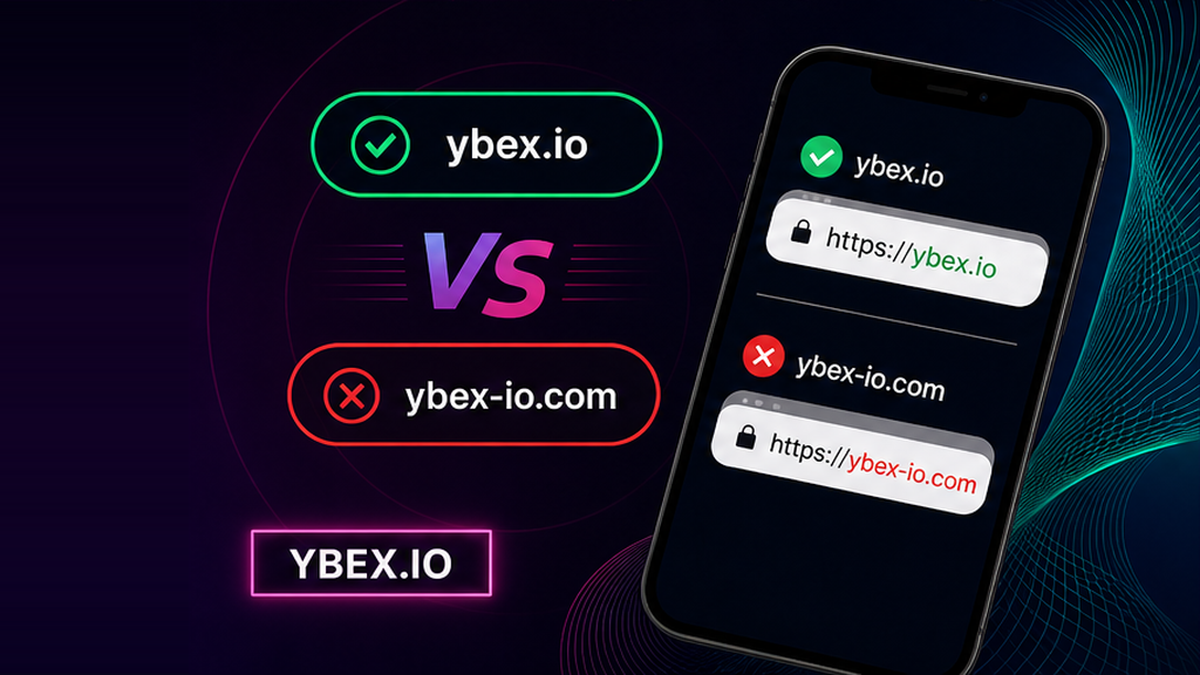
The registrable domain is the website’s real “house number”: the last two pieces of the host, just before the first /. Pages after the slash (ybex.io/support) still belong to ybex.io. Anything to the left is only a subdomain. If the bar shows ybex.io.checkout-secure.net, you are not on YBEX – the registrable domain is checkout-secure.net. Banxa’s guide uses the same right-to-left read; apply it to ybex.io.
A typosquat is a lookalike one slip away: a hyphen, a doubled letter, a digit that looks like a letter, or a different ending such as .com instead of .io. CISA still flags misspellings and a changed domain extension. Don’t invent a “known clone” URL for YBEX. Treat any extra character as hostile until you have typed ybex.io yourself.
The HTTPS padlock only means the connection is encrypted, like a sealed envelope. It does not prove who owns the mailbox. Banxa notes that most phishing sites have a padlock. wikiHow says an https page can still be unreliable. Don’t stop at the lock. Read the name.
| Check | Official ybex.io | Lookalike / clone |
|---|---|---|
| Registrable domain | Exactly ybex.io before the first / | Hyphen, extra letter, other TLD, or ybex.io.something.net |
| HTTPS padlock | Present on the real site, still not proof of identity | Usually present; encryption is cheap to copy |
| BestChange listing | Live card names ybex.io and shows status active | A screenshot on the clone, or a different domain in the listing |
| Contacts | Opened from the ybex.io header: support page and t.me/ybex_io | Handles found by searching “YBEX support” in Telegram or ads |
| What to do | Bookmark, then create the order on this origin | Close the tab. Do not send. Do not pay an “unlock” fee |
Verdict: Identity is the registrable domain ybex.io, not the padlock, not a screenshot, not a copied widget. If the bar does not show ybex.io before the first /, do not send.
Cross-check BestChange and official contacts before you send
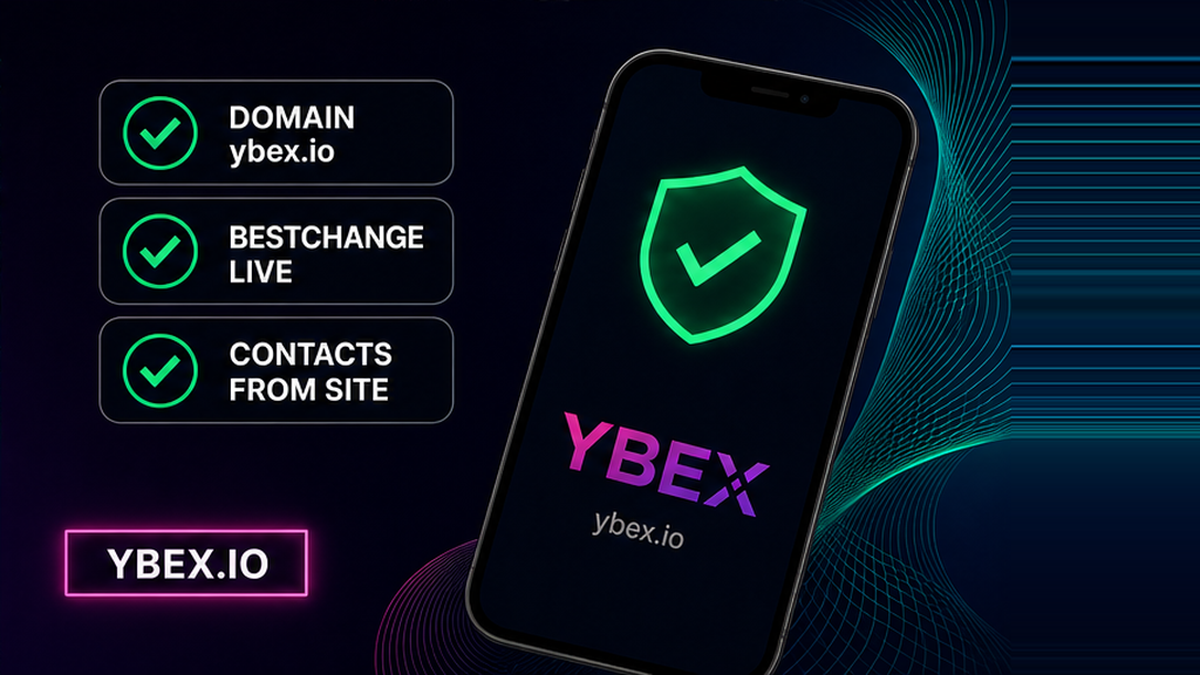
A BestChange listing is a monitor card: an independent page that names an exchanger’s domain and whether the row is active. It is not escrow and not a guarantee. BestChange’s FAQ says the monitor is exclusively informational and does not act as a guarantor. Do open the live card. Don’t accept a PNG on a clone that shouts “we are on BestChange”.
From the verified homepage, follow Listed on BestChange and land on the Ybexio exchanger card. Check two facts only: the domain is ybex.io, and status is active. Skip reserves and review counts; they move and they do not prove the tab in front of you. If you used BestChange’s “Go to the site” button, still read the new tab and make sure it is ybex.io.
How to open Telegram and support only from the verified site
Do open official channels from the site outward. The header on ybex.io points to the public Telegram at t.me/ybex_io (the channel is titled ybex.io) and to X at x.com/Ybex_io. Support lives on ybex.io/support, with [email protected] for operations and [email protected] for marketing. Don’t search “YBEX support” inside Telegram first. Lookalike handles copy the logo. Swaps are not done in messengers: YBEX states that exchanges run only through the official form on the website, never via Telegram, bots, or other chats.
If someone DMs you first, asks for a seed phrase, or wants you to “verify wallet”, that is not this domain-check. Fake crypto exchange support is a different trap. Swaps are not done in messengers: see funds not received.
Pre-send phishing checklist before you paste a deposit address
On the real homepage you should see You send / You receive, a network selector, a recipient address field, a checkbox for non-EU/EEA plus Terms / AML / Privacy, Fixed vs Floating, and the Exchange button. Login exists in the header, but a standard swap does not require an account. Don’t connect a wallet to “verify YBEX”. Don’t type a seed phrase. The widget asks for a destination address, not your keys.
The homepage states the service is not available to persons located in, resident in, incorporated in, established in, or acting from the EU/EEA. That is a site fact, not a prompt to hunt another URL. Lines about converting “without verification” are homepage copy. Terms still say AML and KYC checks are mandatory for certain transactions.
Create the order on https://ybex.io/ only after the domain and BestChange checks. Copy the deposit address from that order screen. Check the first and last characters against the screen. If the clipboard string differs, stop. A clipboard clipper can swap a deposit address on your device; that is malware, not a fake domain.
If you already sent to a clone: stop. Don’t send a second payment and don’t pay an “unlock” invoice from chat. Save the URL, TxID, and screenshots. If the order was not created on ybex.io, YBEX cannot treat it as a YBEX order. Terms 2.5 and 6.2 put user mistakes on the user; we will not promise a refund from a phishing deposit.
Do bookmark the clean URL. Next time start with that bookmark, or type ybex.io again, read the bar, then open the widget and create the order only on that origin.
Frequently asked questions
Does the HTTPS padlock prove a swap site is real?
No. The padlock means the session is encrypted, not that the host is YBEX. Phishing sites use HTTPS as a default. Read ybex.io in the bar and type it yourself.
Should I type ybex.io or click a search ad?
Type ybex.io or use your own bookmark. Don’t click search ads when you are about to send coins. FBI IC3 has described ads that impersonate cryptocurrency exchanges.
Is a BestChange screenshot enough to trust a site?
No. Open the live listing, confirm the domain is ybex.io and status is active, then confirm your own tab. BestChange is a monitor, not a guarantor of the swap.
What is the official YBEX Telegram versus a lookalike handle?
Open Telegram only from the verified ybex.io header so you land on t.me/ybex_io. Don’t search the brand name inside Telegram first. Swaps are never completed in Telegram.
What if I already sent crypto to a clone domain?
Stop sending. Don’t pay “unlock” fees. Save the URL, TxID, and screenshots. If the order was not created on ybex.io, it is not a YBEX order. Don’t expect a platform refund from a phishing address.
Can I trust a site that looks identical to the YBEX widget?
No. Layout, colors, and an Exchange button are copyable. Identity is the registrable domain ybex.io. If the widget looks right but the host is wrong, close the tab.
Should I connect a wallet or enter a seed phrase to verify YBEX?
No. The homepage swap uses a recipient address field. A request for a seed phrase or “wallet connect to verify” is a scam. Close it and type ybex.io again.