
You created a swap, closed the tab, and now you have no Order ID on the phone. The coins may still be moving; the page is gone. How to attach email to a crypto swap order: add one reachable inbox to that same YBEX order before you send, then bookmark the live order URL. You keep status alerts plus a backup that does not depend on mail delivery. Do this before the deposit.
Summary: Create the YBEX order, attach one reachable email to that same order before you send, then bookmark the live page. Closing the tab does not cancel a created swap. Ignore inbound “confirm your swap email” links unless you opened the official order or support yourself.
An Order ID (also a Request Number) is the unique ticket for this swap; Terms say it includes the pair and the recipient address. A userEmail is the inbox tied to this ticket so status mail can find you. It is not a login and not required for a homepage swap.
YBEX is an instant crypto exchange: pair, network (the blockchain rail), destination address, then the deposit shown on that order. Homepage “instant” copy is marketing, not a timed promise. Service is not available to persons in the EU/EEA.
How to create the YBEX order and attach one reachable email before you send coins
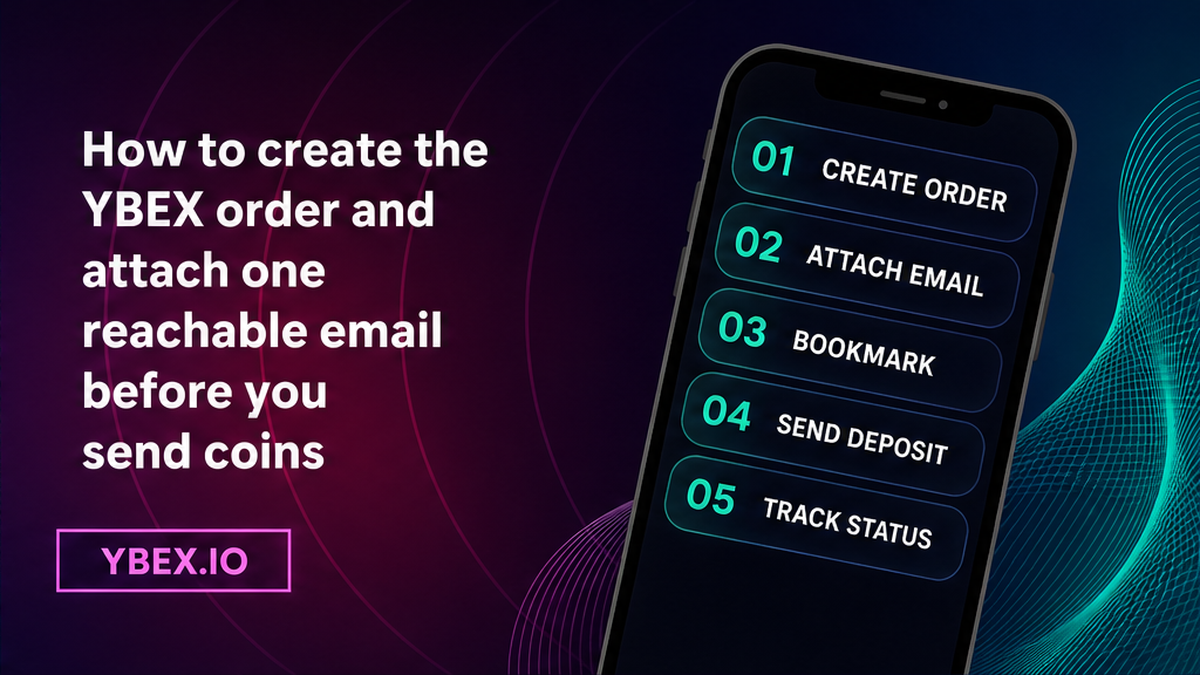
Do create the order on the YBEX homepage widget, wait for the live order page, then attach one inbox you can open. Don’t send coins on the quote screen. Help sets a 15-minute limit to finish creating the application; after that it can auto-cancel. If you already sent after a cancel, open site chat.
The widget lists You send / You receive, network, recipient address, Fixed vs Floating, and the non-EU/EEA plus Terms checkbox. Fixed locks the rate at create. Floating follows the market until completion. The homepage widget does not require an email field. If the order page shows one, fill it once. If not, register for status emails and still save the backup below.
Workflow:
Create order → attach one email (once) → save Order ID + bookmark → send this deposit → close tab OK → ignore inbound confirm-email DMs → recover via History/bookmark, never a second order
- Create the YBEX order: pair, network, destination, Fixed or Floating, non-EU/EEA plus Terms. Wait for the Order ID. Do not send coins yet.
- Attach one reachable email if the order-page field is visible. If not, register for status emails, or use the documented one-time userEmail attach on partner widgets. Check spelling.
- Copy the Order ID and bookmark the live order URL. Do not treat the inbox as the only copy.
- Send the exact deposit only to this order’s address. Do not burn the 15-minute form timer on a “perfect” email. Do not reuse an old deposit address.
- Close the tab only after that backup exists. Later refresh the bookmark or open Exchange History if logged in.
- Ignore inbound confirm-email, unfreeze, OTP/2FA, seed, or “new deposit” messages. Open the order or support yourself.
- If the tab is gone with no email, do not create a second order. Search bookmarks, history, or Exchange History.
- If coins already left with no ID, write official chat or [email protected] with pair, time, and wallet TxID. Never send a seed or 2FA.
Partners: API v2 allows optional userEmail at create and a one-time set-email attach after create (orderId + userEmail). A repeat returns 403: already set, cannot be modified. Do not copy HMAC samples. Widget builders: Orders API v2; attach before deposit instructions.
How to save an Order ID backup that does not depend on inbox delivery
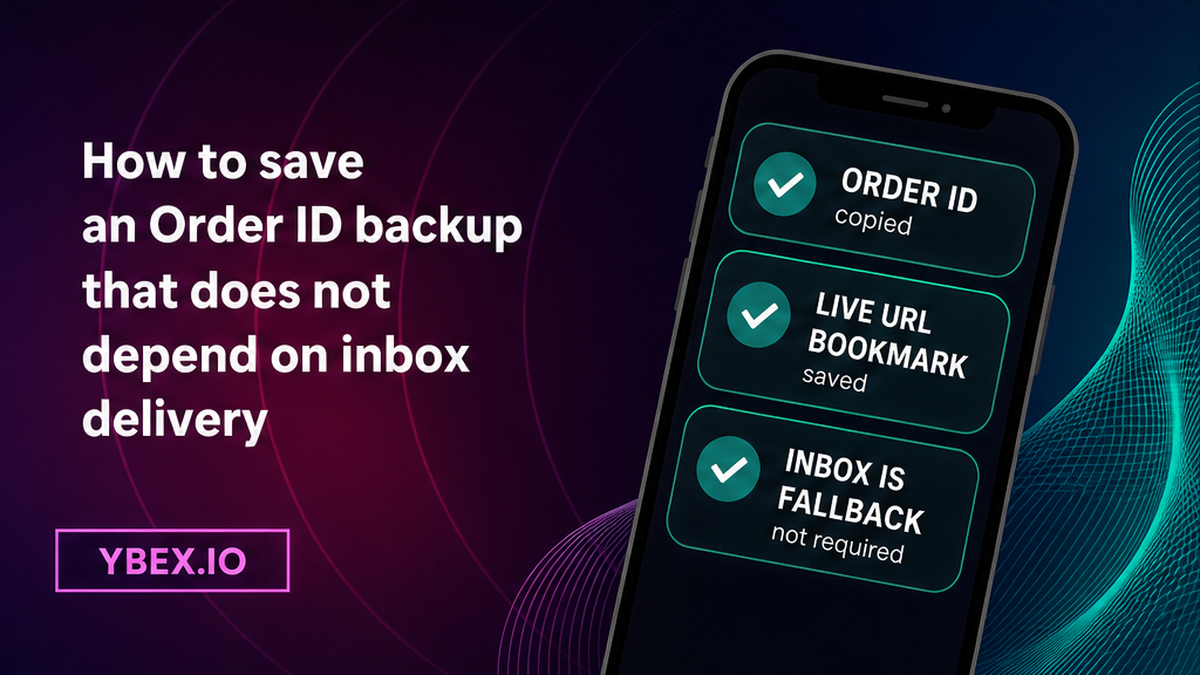
Do save two things that still work if mail is delayed or typed wrong: the Order ID and a bookmark of the live order URL. Don’t rely on “the receipt will arrive.” Don’t paste the ID into a public channel.
Status help lists three channels: Exchange History if logged in (Request Number, datetime, Current Status; Executed means funds were sent to the specified recipient), the exchange page with F5, and email notifications for registered users. Inbox is a fallback, not a substitute for the bookmark. A confirmation email can carry a TxHash for a processed exchange. Do not expect that mail without an attached or registered inbox.
Closing the tab is not evidence that the swap stopped. YBEX docs do not say closing the browser cancels a created order. What you lose without a bookmark, History, or email is tracking. Avoid a “replacement” order because the tab is gone.
How to avoid inbound “confirm your swap email” links you did not open
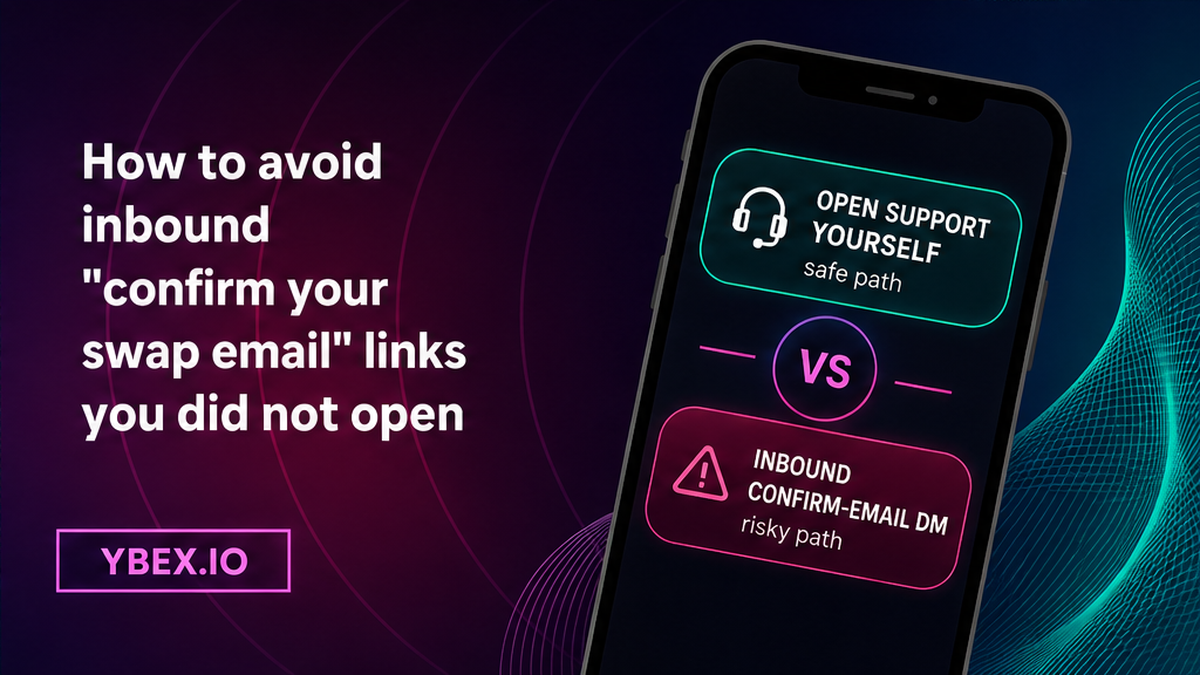
Do open the order page or YBEX support yourself. Don’t click a “confirm your swap email” or “unfreeze” link from Telegram, WhatsApp, SMS, or a surprise email. Don’t share 2FA, a seed phrase (the master list that can empty a wallet), or a new deposit address supplied only in chat.
YBEX publishes [email protected] and Live Chat on the site. Open t.me/ybex_io yourself; it is not a ticket. Do not post Order IDs there. Inbound DMs are not a case. Fake-support route: fake crypto exchange support scam checklist. If you doubt the site before typing an email, run the official YBEX website phishing checklist first.
How to check what attached email does and does not change
Do treat attached email as alerts plus a faster match when you write support. Don’t treat it as an account, a KYC pass, a new deposit address, or a rewrite of the payout address. API v1 notes email also helps contacting support; new integrations should still prefer the v2 one-time attach.
| Claim | Do this | Don’t assume this |
|---|---|---|
| Status / receipt mail | Attach one reachable inbox | That guests without email still get a confirmation |
| Registered login | Use header Login if you want automatic status emails | That userEmail on one order equals an account |
| AML / KYC | Be ready to provide ID if asked; Terms 2.7 still apply to certain orders | That adding email skips checks or means “anonymous forever” |
| Deposit address | Send only to the address on this live order | That a chat “confirm email” link can issue a new deposit |
| Marketing mail | Use the unsubscribe link in commercial emails | That status alerts have no legal effect; Terms 7.2 is marketing consent on website email submit |
Privacy policy treats email as personal data. Attached email does not change order state on its own.
How to recover if you already closed the tab with no email
Do hunt for the bookmark, browser history, or Exchange History after login. Don’t open a second swap “to be safe.” Don’t reuse a deposit address from memory, a chat, or an old screenshot. Terms put accuracy of transaction details on you; a second send is a new risk, not a repair.
If coins already left and status is unclear, use the live stuck crypto swap order status checklist. Bring the wallet TxID. Do not send again. “Without an account” copy does not cancel AML/KYC on flagged orders. Recover the existing ticket; avoid a fresh widget click that mints a new deposit address.
How to pack one official support ticket without a seed phrase
Do write one official case with the minimum that finds the order. Don’t attach wallet secrets. Use the order page, [email protected], or Live Chat on the site:
- Order ID / Request Number copied from the order page or History
- The email you attached, if any
- Pair and networks as shown on the order
- Deposit TxID from your wallet if coins already left
- Time window and a note that the tab was closed
Never include a seed, 2FA, password, or remote-access tool. If you still need to swap, return to the YBEX widget only for a new order with a new deposit address, not to “top up” the lost one.
Frequently asked questions
Is email required for a YBEX swap?
No. A homepage swap can run without an account. Docs describe attaching email for notifications, including widget orders with no required email field. Attach one reachable inbox when the page offers it, and always save the Order ID plus a bookmark.
Can I attach email after the order is already created?
Yes. That is the documented userEmail / set-email path for an existing public order created without email. It is one-time. If email is already set, the API returns 403 and you cannot change the address that way. Pick a mailbox you can open.
What if I already closed the tab with no email and no Order ID?
Do not open a second swap and do not reuse an old deposit address. Check bookmarks and history. If you had logged in, open Exchange History. If coins already left, start official chat or email with the wallet TxID. Do not send again.
Is a Telegram or WhatsApp link to “confirm your swap email” real?
Treat it as untrusted unless you opened the official order page or /support yourself. YBEX publishes [email protected] and t.me/ybex_io; inbound DMs are not a ticket. Never share 2FA, a seed, or a new deposit.
Does adding email create an account or skip KYC?
No. Optional userEmail is for notifications. Registration is a separate header flow. Terms 2.7 still allow AML/KYC on certain orders. Terms 7.2: website email submit consents to marketing mail; use the unsubscribe link in those messages.
I attached the wrong email. Can I change it?
Not via the documented one-time set-email method (“already set and can not be modified”). Keep the Order ID bookmark, watch the order page or History, and write official support with the Order ID. Do not open a second order to “fix” the inbox.
Will closing the tab cancel my swap?
No evidence in YBEX docs that closing the browser cancels a created order. Tracking is what you lose without a bookmark, History, or email. Homepage “instant” is marketing; Terms 6.5 give 30 minutes to 72 hours – then use the stuck-status checklist, not a second send.
Disclaimer: The material in this article is not financial or investment advice. Everything stated here reflects the author's personal view and should not be treated as a recommendation to trade or invest. We make no warranties regarding the accuracy, reliability or completeness of the information presented. Cryptocurrency markets are highly volatile and can move unpredictably. Before committing any funds, every investor, trader or crypto user should study several independent sources and check the regulations that apply in their own jurisdiction.