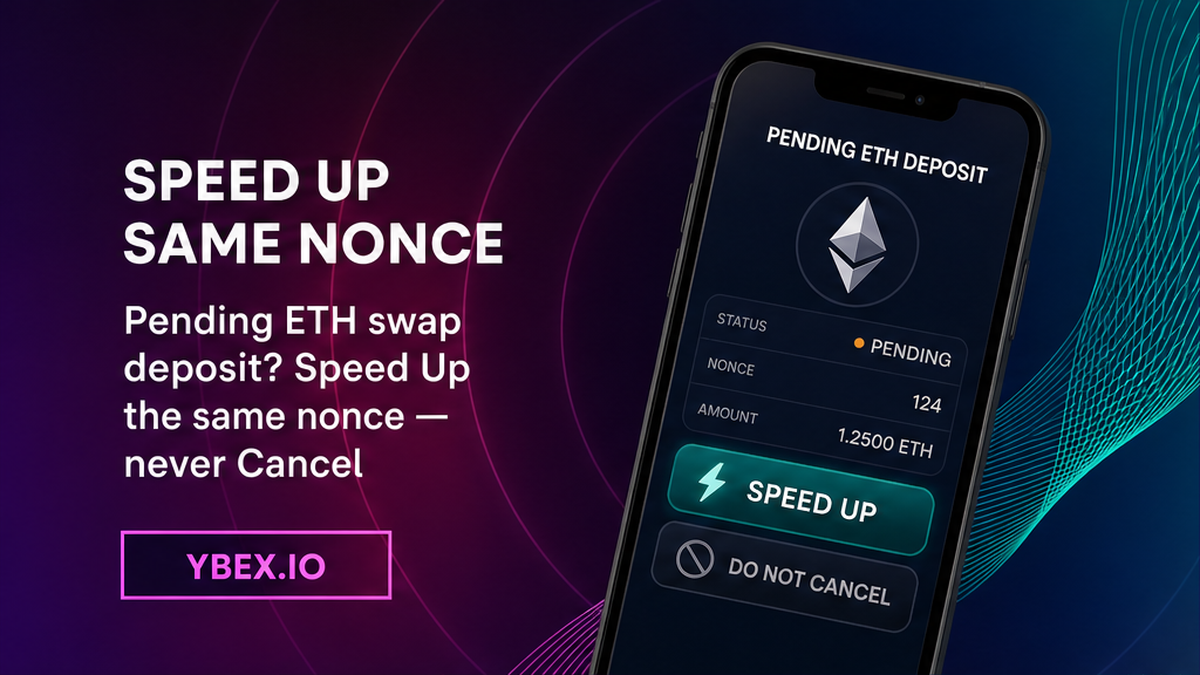

Your Ethereum send to a live swap still shows Pending, and the order has not credited the deposit. Do not send the amount again. To speed up a pending Ethereum deposit to a crypto swap, open the same hash on Etherscan, confirm the To-address is the current YBEX deposit address, then use wallet Speed Up on that nonce. You will get a mined deposit TxID for the open order or a clean packet for official support.
Summary: A pending Ethereum deposit is still in the mempool, the waiting room of unconfirmed transactions, so YBEX cannot credit it yet. Stop a second send, classify the hash on Etherscan, and Speed Up the same nonce if To still matches the live order. Do not Cancel a deposit you still want credited. Keep the mined TxID and match it to the Request Number, or open official support once.
A nonce is the wallet’s ticket number. It starts at 0 and rises by 1 with each send. Gas is the bid for inclusion. Gwei is a tiny slice of ETH: 1 gwei equals 0.000000001 ETH. Speed Up resubmits the same transfer with a higher bid and the same nonce. Cancel spends that nonce on a 0 ETH send to yourself, so YBEX never receives this deposit.
How to stop a second send and classify Pending vs Dropped vs Success
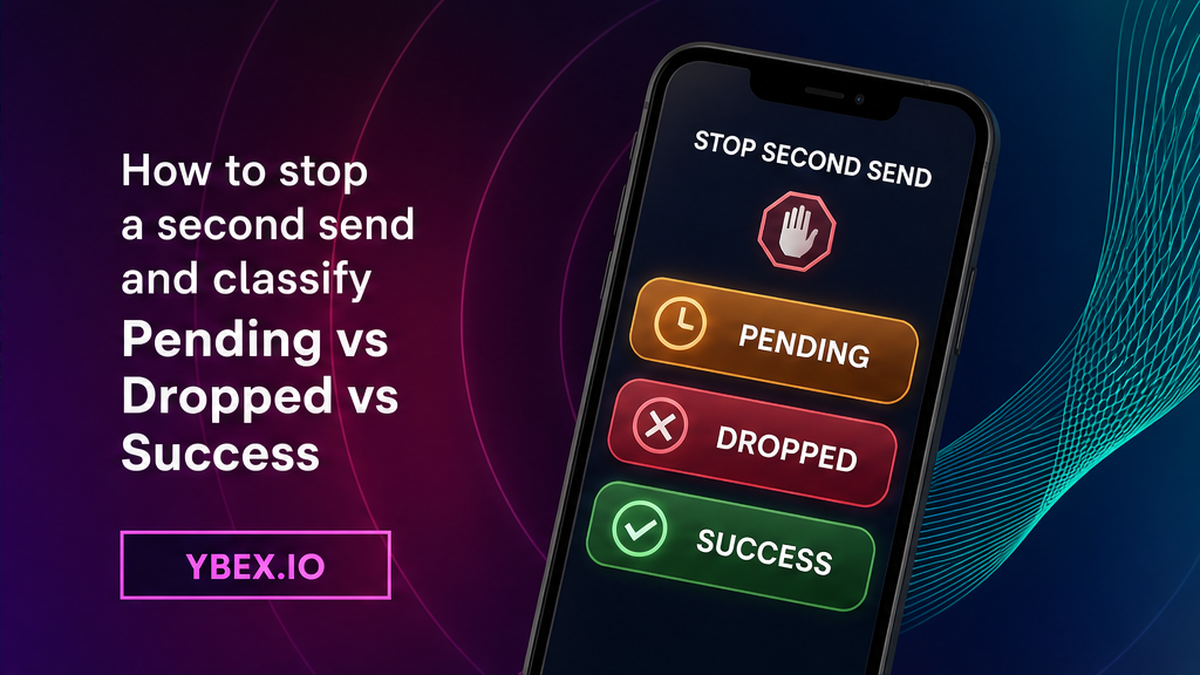
Do freeze the wallet. A second Send uses a new nonce and queues behind the stuck ticket. Both can mine, and you can pay twice. Save TxID, nonce, amount, Ethereum Mainnet, Request Number, and the live deposit address. Do not copy an address from an old screenshot.
Workflow:
Stop the second send → classify Pending, Dropped, Success, or Failed on Etherscan → match nonce and the live YBEX deposit address → Speed Up the same nonce (do not Cancel) → wait for the mined sibling → match the Order ID → credit or official support
- Stop any extra Send. Save TxID, nonce, amount, Ethereum Mainnet, Request Number, and the live deposit address.
- Open that exact hash on Etherscan and classify Pending, Dropped or Not found, Success, or Failed.
- Match From, To, Value, and Nonce to the open YBEX order before you touch gas.
- If Etherscan already shows Success on the live deposit address, skip Speed Up.
- If the row is still Pending and you still want the credit, use Speed Up. Do not tap Cancel.
- Wait until one same-nonce hash is Success and the sibling is Dropped, then save the mined TxID.
- Match that mined deposit TxID to the YBEX order, or open official support once if credit is missing.
- After credit, leave gas alone. If the order still does not move, use the order-status checklist, not another Speed Up.
| What you see | What it means | Do now |
|---|---|---|
| Wallet and Etherscan Pending, To matches YBEX | Still in the mempool. | Speed Up the same nonce. Do not Cancel or send again. |
| Wallet Pending, Etherscan Dropped or Not found | Broadcast may not have stuck. | Check Mainnet, the full hash, and RPC. Do not reset as step 1. |
| Etherscan Success on the same address | The original already mined. | Keep this TxID. Do not send again. |
| Failed or reverted receipt | The attempt did not transfer. | Do not Speed Up a failed receipt. |
Don’t trust a wallet spinner. Etherscan is the public receipt book. Pending means the bid is still in the pool. Success starts only when a validator includes the transfer.
How to match TxID, nonce, amount, and the live YBEX deposit address
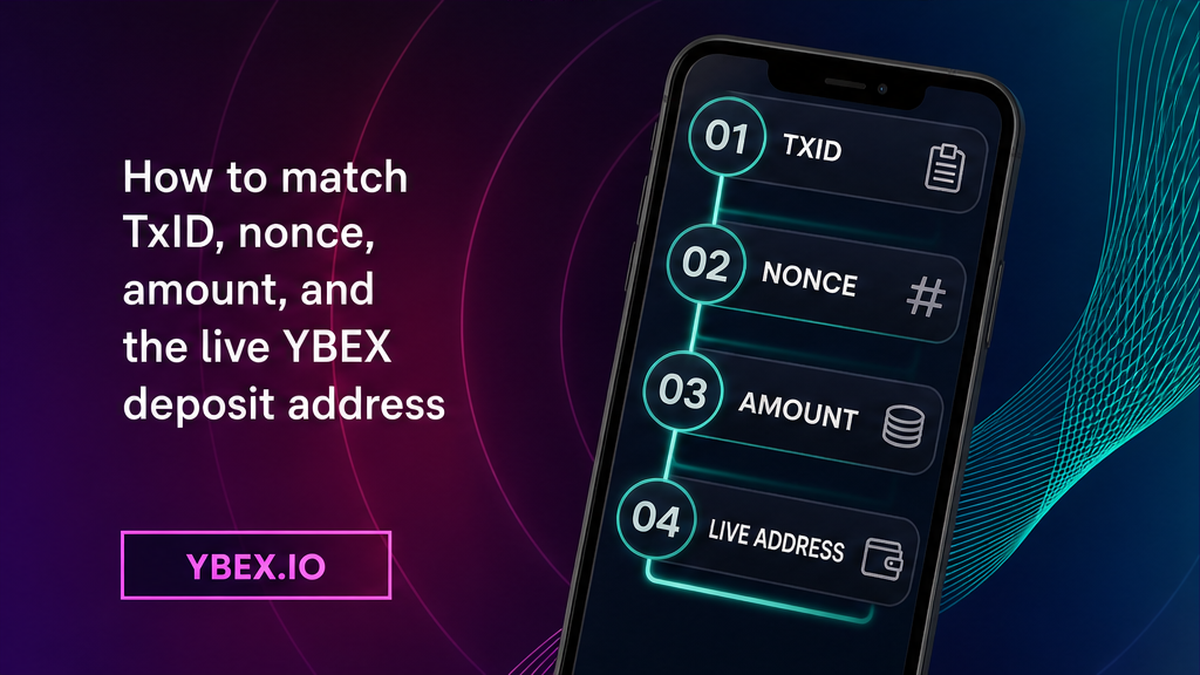
Do line up four fields before you raise gas. TxID is the tracking number. To must be the deposit address on the current order. Value must be the amount you still intend to pay. Nonce must be the stuck ticket you will replace. A simple ETH transfer uses 21,000 gas units. An ERC-20 token call uses a different gas limit. Don’t Speed Up the wrong asset.
Don’t open a second YBEX order “just in case.” Each order has a unique identifier that includes the pair and the recipient address. Mixing two deposit addresses is how people pay the dead one. If the form was never created, the 15-minute application window is a form timer, not a mempool deadline. It does not mean you have 15 minutes to Speed Up.
How to Speed Up the same nonce – do not Cancel a deposit you still want
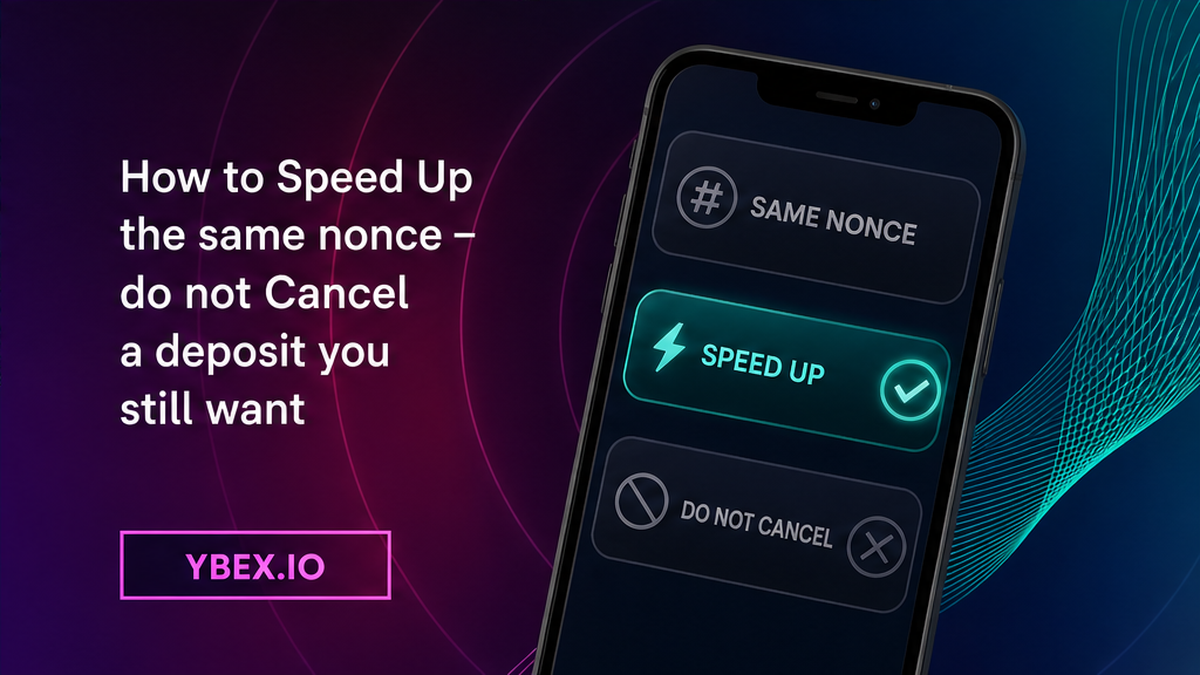
Do use Speed Up when Etherscan is still Pending and To is still the live YBEX deposit. Speed Up keeps the nonce and raises max fee plus priority fee. You do not pay gas twice: only one hash can mine. See the MetaMask Speed Up help page. The protocol sets a base fee. You add a priority fee, a tip for the validator. Max fee is your ceiling. The network charges gas used times (base fee plus tip); unused ceiling comes back. Base fee can move by up to 12.5% each block, so an “economy” bid goes stale. Open a live gas tracker when you bump. Don’t paste a remembered gwei figure.
MetaMask treats a starting bump as at least +10% on the priority fee versus the original and at least +30% on the max fee. That is a wallet hint, not a next-block promise. Geth, a common Ethereum client, often rejects a replacement unless both the tip cap and the fee cap rise, often by about 10%. If you see “replacement transaction underpriced,” raise both fields. Don’t tap Cancel: it spends the nonce on a 0 ETH self-send, and YBEX gets nothing. A confirmed send cannot be reversed. Don’t expect Speed Up to lock a Fixed rate. This only pushes your send into a block. Rates can move, per the Terms of Use.
How to fix a failed Speed Up: oldest nonce first, bump both fees, skip reset
Do replace the smallest pending nonce first. You cannot close nonce 10 while nonce 9 is still open. If Speed Up does nothing, look for an older pending row and start there. If the wallet hides Speed Up, turn off Smart Transactions, then enable custom nonce. Keep the same To and Value. A different nonce creates a second stuck send. Follow the MetaMask replace steps: confirm the hash is still Pending, copy its nonce, and resubmit the same details with a higher fee.
Don’t clear activity and nonce data as a first fix. That wipe erases the wallet’s memory of pending tickets. Use it only when MetaMask Support says the hash is absent on the explorer. Don’t buy a “gas accelerator” or share a seed, private key, or one-time code.
How to confirm the mined sibling hit the same YBEX address
Do wait out the race. After Speed Up you may see two hashes with the same nonce, both Pending. One nonce can mine once. Ignore the dropped sibling. Check that the mined To-address is still the live YBEX deposit address and that Value still matches. If the original confirms instead of your Speed Up, keep the original TxID. That mined hash is the deposit. Don’t rebuild a second send. If Cancel mined to your own address, YBEX got nothing. Don’t mix this deposit hash with a later payout hash.
How to match the mined TxID to the YBEX order or open official support
Do refresh the live order. The Request Number is the unique ID. Check it on the exchange page with F5 or in Exchange History. Executed means the swap finished and the payout left for the details you specified. A mined deposit is not Executed. Processing after a detected deposit can take 30 minutes to 72 hours. That window is order handling, not Ethereum inclusion time. Don’t Speed Up again after Etherscan already shows Success.
If the application auto-cancelled and you never sent, create a fresh order on the YBEX exchange widget and copy the new deposit address only. If funds mined after cancel, do not send a second amount to a dead address. Open website chat at once with Request Number plus TxHash. YBEX publishes a Bitcoin FAQ for a late confirmation after cancel. Use the same chat packet for late ETH, not Bitcoin confirmation counts.
If the order is still live, the mined To-address matches, and status still ignores the deposit, write official YBEX support once. Include Order ID, mined deposit TxID, Ethereum Mainnet, amount, and the explorer URL. Use [email protected], not [email protected]. Don’t send a second deposit to “unlock” the first one. If the deposit is mined and the order still does not move, switch to the stuck swap order-status checklist. If status is already Executed and the receive wallet looks empty, use the payout explorer checklist instead of touching gas. After this order is finished, copy a new widget address. Never reuse the old one.
Frequently asked questions
Should I Speed Up or Cancel a pending ETH deposit to a swap?
Use Speed Up if To and amount still match the live YBEX order. Cancel spends the nonce on a self-send, so this ticket will not deliver ETH to the deposit address. Do not Cancel a deposit you still want credited.
Does Speed Up change the YBEX deposit address?
No, if the wallet resubmits the same transaction. Re-check To on Etherscan after the replacement mines. If To changed, stop and save the page.
What if both the original and the replacement look pending?
Wait. One nonce can mine once. Do not send a third transaction. Use only the mined TxID after the sibling drops.
What if the original confirms instead of the Speed Up?
Keep that TxID. It is the deposit. Match it to the Request Number. Do not rebuild a second send.
Can I send the amount again while the first tx is pending?
No. A new nonce queues behind the stuck one and can double-pay. Speed Up the original nonce instead.
The wallet says pending, but Etherscan shows nothing. What should I do?
Confirm Ethereum Mainnet, the full hash, and the wallet RPC. Do not reset the account unless MetaMask Support says the tx is absent on the explorer.
ETH confirmed after the YBEX application was cancelled. Now what?
Open website chat immediately with Request Number plus TxHash. Do not create a second send to a dead address.
Disclaimer: The material in this article is not financial or investment advice. Everything stated here reflects the author's personal view and should not be treated as a recommendation to trade or invest. We make no warranties regarding the accuracy, reliability or completeness of the information presented. Cryptocurrency markets are highly volatile and can move unpredictably. Before committing any funds, every investor, trader or crypto user should study several independent sources and check the regulations that apply in their own jurisdiction.